 ™
How Metro Bike Share Works in L.A.: Passes, Prices and Docks
Single rides cost $1.75 per half hour and a monthly pass is $17, but the meter stops only when the dock beeps three times.
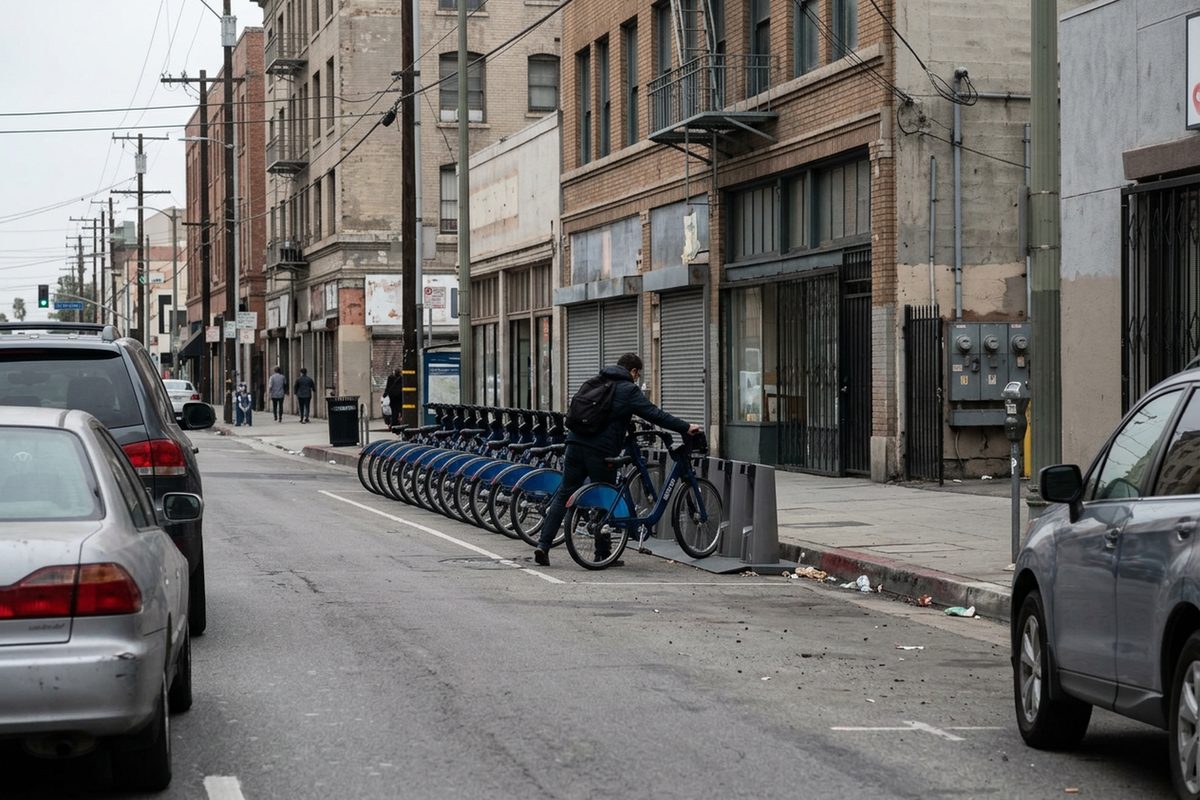
A Metro Bike Share ride in L.A. costs $1.75 for each half hour, and the meter keeps running until the bike locks into a dock and beeps three times.
That second part is where new riders lose money. The prices below are the ones Metro Bike Share listed on its own website as of Nov. 11, 2026. Bikes are out 24 hours a day in downtown L.A., Central L.A., Hollywood, North Hollywood, Westwood and the Westside, according to the agency's station map, and its FAQ counts more than 220 stations.
You have to be 16 or older to ride. If you're under 18, a parent or guardian has to buy the pass, and California law says you have to wear a helmet.
The passes, priced as of Nov. 11, 2026:
- 1-Ride: $1.75 per 30 minutes, starting with the first minute.
- 24-Hour Access: $5. Any trip of 30 minutes or less costs nothing extra.
- 30-Day Pass: free half hour on every trip.
- 365-Day Pass: free half hour on every trip.
On every pass, each 30 minutes after the first costs $1.75. That means a 31-minute trip on a monthly pass costs $1.75, not zero.
The math is short. Three single rides cost $5.25. Ten single rides cost $17.50.
Electric bikes cost casual riders $1 more to unlock, the FAQ says. Holders of 30-Day, 365-Day, Business and Reduced Fare passes unlock them free. The motor helps up to 17 mph, and the bike weighs about 50 pounds.
Reduced Fare passes are $5 a month or $50 a year. There are five ways to qualify: you're 62 or older, you're a student, you have a disability, you're in Golden State Advantage, or you already have a Reduced Fare TAP card. If you get CalFresh, your EBT card works as proof of eligibility. It won't cover the pass itself; that still takes a credit or debit card. LIFE members can only sign up through taptogo.net/metrobikeshare.
The steps, in order:
- Buy a pass in the Metro Bike Share app, which takes cards, Apple Pay and Google Pay, or at a station kiosk, which takes only a credit or debit card and doesn't do tap-to-pay. Cash stored on a TAP card can't pay for bike share. A 30-Day or 365-Day pass starts the moment you buy it, not on your first ride.
- Check the app or the station map before you leave. You can't reserve a bike, so whoever gets there first takes it, and the map shows live counts of bikes and open docks.
- Unlock the bike in the app, or type your phone number at the kiosk. If you've registered a TAP card to your account, press the silver button on the dock and hold the card to the lit panel.
- On the street, the bike counts as a vehicle, so every signal and posted sign applies to you. Don't leave the bike alone while your trip is still open.
- Push the bike firmly into any dock and wait for three beeps. If the station is full, ride to another one. If you're stuck, call or text (844) 857-BIKE. Customer service answers from 7 a.m. to 8 p.m. every day.
Skipping step five is the mistake that costs the most. If the bike didn't lock, your trip is still open: the meter keeps adding $1.75 every half hour, and the FAQ says you're financially responsible for the bike while it's checked out to you. If you signed up on the website, in the app or at a kiosk, you'll see trip charges 24 hours after the ride ends, so a mistake can show up a day late.
The kiosk adds one more charge people don't expect. Any checkout there puts a $51 hold on your card. The hold drops after you return the bike, but your bank can take 2 to 5 days to clear it.
If a bike is lost or stolen while it's checked out to you, call (844) 857-BIKE right away. Then file a theft report within 24 hours with the police department where it happened. Metro Bike Share says it looks at both the quick call and the police report when it decides whether to charge your account for recovering or replacing the bike.
Source: Metro Bike Share's website, retrieved November 11, 2026. Other sources: bikeshare.metro.net (2), bikeshare.metro.net (3), bikeshare.metro.net (4), bikeshare.metro.net (5).
Comments 0