 ™
Xbox Players Say Auto-Uploaded GTA 6 Clips Got Them Suspended
One player says a two-day ban followed a beach clip. Changing one setting under Capture & share keeps clips on the console.
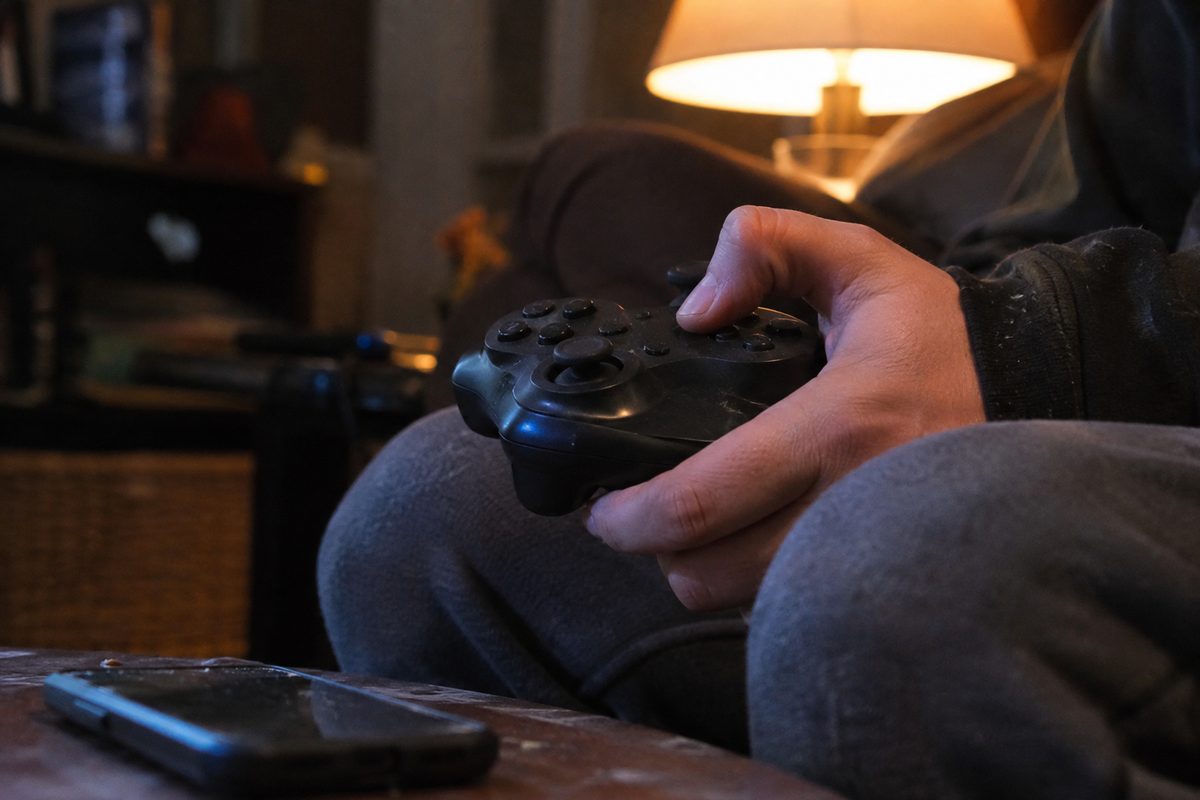
A 28-second GTA 6 clip of characters in beachwear was enough to get one Xbox player suspended for two days, the player says. The Reddit user, sangobar, said the clip was flagged almost as soon as the console uploaded it automatically, and that the ban couldn't be appealed, GamesRadar reported.
Video Games Chronicle ran a PSA Saturday, two days after Grand Theft Auto VI launched Thursday on PS5 and Xbox Series X|S, telling Xbox players to stop their consoles from uploading clips on their own. The trouble starts with a default. Xbox's own Community Standards say auto-upload and auto-share of clips and screenshots "may be on by default," and that same page bars game clips "that include mature sexual content."
GTA 6 is rated Mature 17+ for nudity and strong sexual content, among other things, and it has no streamer mode or in-game filter to hide any of it, Twisted Voxel reported. Its strip clubs and nude beaches put unclothed extras on screen with no blurring at all. Save a clip of a car chase along the sand and Xbox's network can have it before you've watched it back.
One suspended player's notice, posted in a screenshot that CharlieIntel shared on X, called the penalty an automatic enforcement action, according to Twisted Voxel. It started on launch night and ran into Saturday. Until it lifted, the player couldn't chat with anyone, join multiplayer or upload media.
Sangobar insists the beach clip showed swimwear and nothing more, so the flag was a mistake. The email Xbox sent didn't even say whether the clip broke the Community Standards or the Microsoft Services Agreement, GamesRadar reported.
The fix takes about a minute. Press the Xbox button, go to Profile & system, then Settings, Preferences and Capture & share, and set automatic uploads to the Xbox network to Don't upload. GamesRadar suggests switching OneDrive to Don't upload too if you'd rather nothing leaves the console on its own.
The console still records clips and screenshots after the change. Video Games Chronicle notes that it just keeps them local, so a person can watch each one before deciding whether it goes anywhere.
Source: gamesradar.com, retrieved November 21, 2026. Other sources: xbox.com, twistedvoxel.com.
Comments 0