 ™
Pixel 10 Owners Get Gemini Intelligence. Pixel 10a Owners Don't.
Google's November Pixel Drop adds Rambler voice typing, custom widgets and app chores to four Pixel 10 models over several weeks.
Owners of a Pixel 10, Pixel 10 Pro, Pixel 10 Pro XL or Pixel 10 Pro Fold are getting the Gemini AI features Google first put on this summer's Pixel 11 phones.
Google announced the expansion Tuesday on its blog, alongside its November Pixel Drop, an update Google says began rolling out that day and will keep arriving over several weeks. The catch is in a footnote: the phone has to be a Pixel 10 or newer, "except Pixel 10a."
The features also reach a phone Google doesn't make. Motorola's first Gemini Intelligence phone, the Signature 27, opens for U.S. pre-orders Nov. 19 at $1,599.99, Droid Life reported, with sales starting Nov. 26. Here's what lands where, and what it takes.
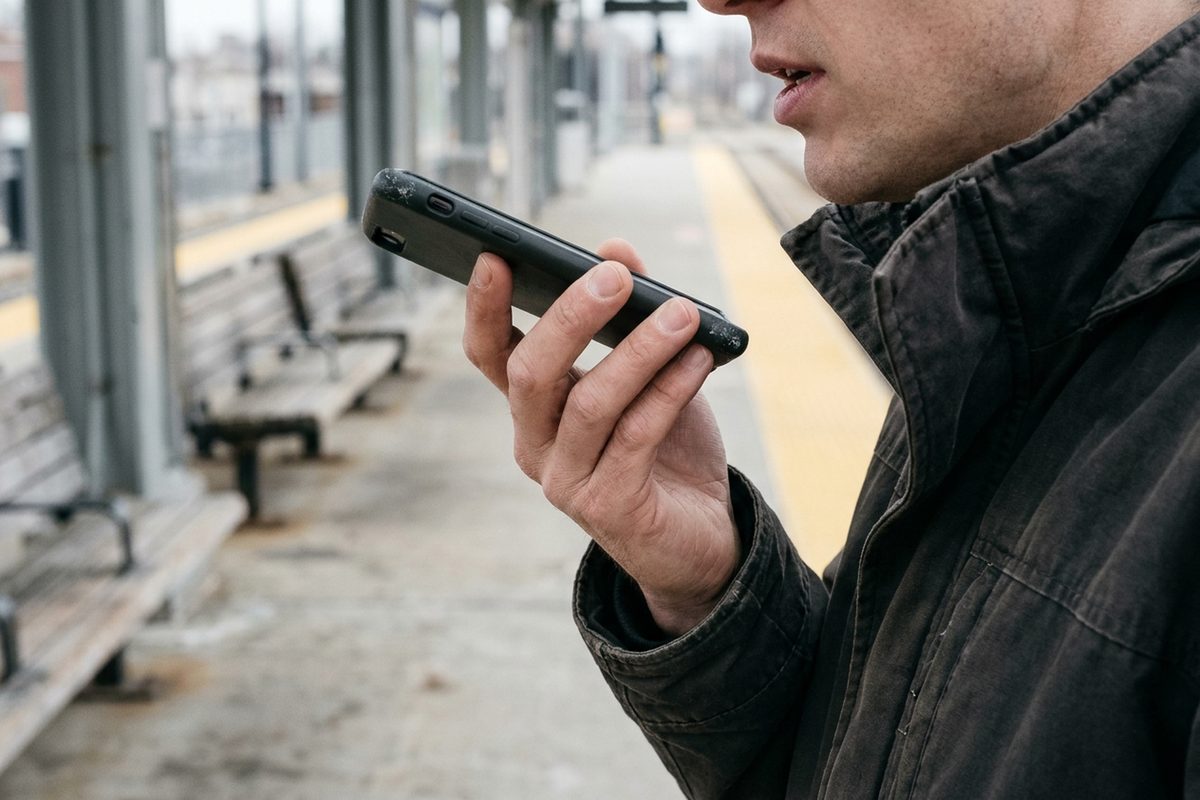
- Rambler, the new voice typing. It cleans up dictation as it happens, dropping filler words like "um" and shaping the rest into readable text, Google says. It runs in Gboard on all four Pixel 10 models and the Motorola Signature 27, and Google's fine print says it has usage limits.
- Gemini running errands in other apps. Ask for takeout, a ride or a dinner reservation and Gemini works through the apps on the phone for you, according to Google. It runs through the Gemini app, it's for users 18 and older, and it just expanded to the U.K., India and Japan.
- Gemini making phone calls. On the Pixel 10 and newer, Gemini can now call a business to change a reservation, put an item on hold or ask whether something's in stock, 9to5Google reported. It works only in the U.S.
- Widgets built from a sentence. Create My Widget turns a plain-English request, like a monthly spending tracker or a trip countdown, into a home-screen widget that pulls from Gmail, Calendar and Search, Google says. It's reaching phones over the next few weeks, and Google says versions for Pixel Watch 4 and Pixel Watch 5 are on the way.
- A help desk inside the phone. Device Assistance takes spoken requests to free up storage, list the apps allowed to see location, or silence alerts while still letting important calls ring, Google says. The fine print limits it to select Android devices on Android 17 or later. The Pixel drop ships with an Android 17 update, 9to5Google reported.
- Suggestions in the car. Android Auto is next on Google's list: once a Pixel is running Gemini Intelligence, the car's screen will start offering ideas without being asked, according to Google. In Google's example, a friend texts asking where a class meets, and the car screen offers to send the address from the confirmation email. The only timing Google gives is "soon."
- The limits. Google's footnotes say several of these features are for users 18 and up, depend on country and language, and may need a subscription for heavier use.
- How to get it. Google's help page says to connect to Wi-Fi, charge the phone to at least 75%, then open Settings and tap System, then Software updates. To check the exact model and Android version, go to Settings, then About phone.
- The mistake that hides it all. Pixels install downloaded updates in the background, and the changes don't switch on until the next restart, Google's help page says. A Pixel 10 that hasn't been restarted is still running last month's software.
Restarting won't help Pixel 10a owners. Google's own footnote leaves it out.
Source: blog.google, retrieved November 11, 2026. Other sources: blog.google (2), droid-life.com, 9to5google.com, support.google.com.
Comments 0