 ™
GTA 6 Will Drive Itself if You Know the Button Combo
The Nov. 19 release hides auto-drive behind D-pad Down, Options and a held Circle or B button, guides say.
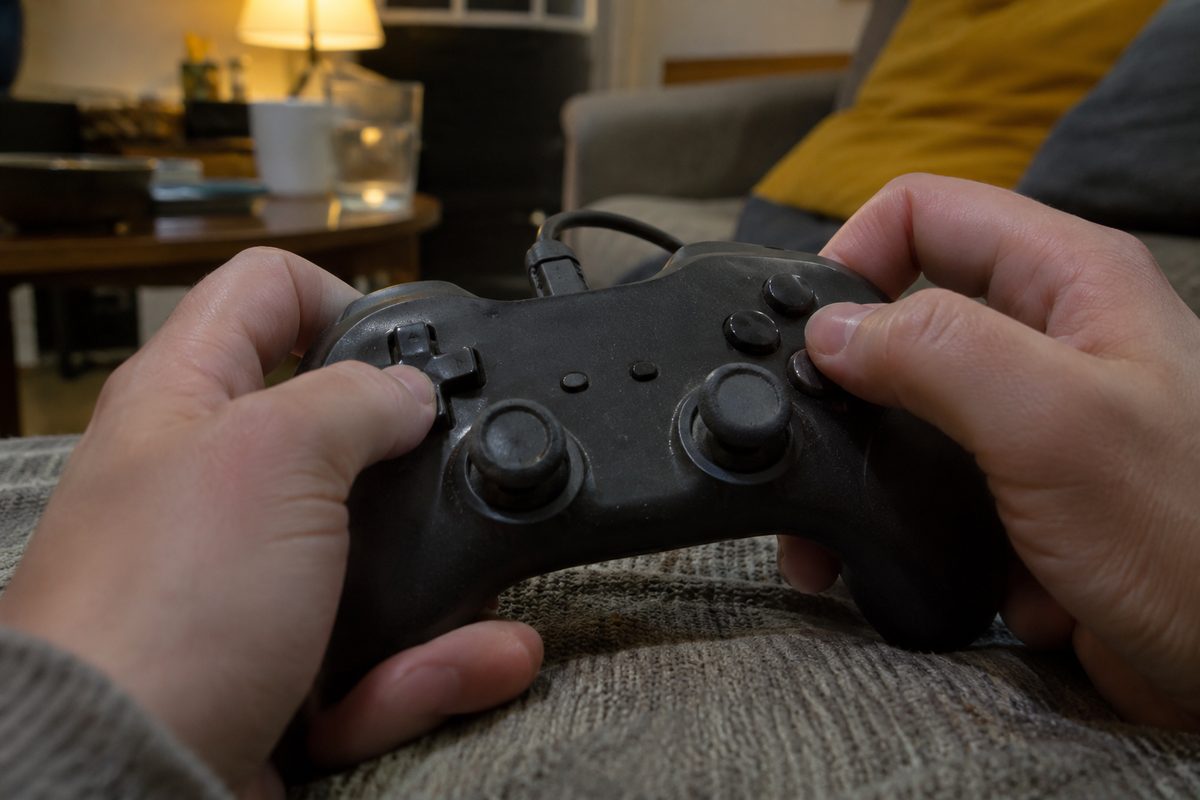
Set a waypoint in GTA 6, hold down on the D-pad, tap Options, then hold Circle, and Jason or Lucia drives the rest of the way. IGN puts it on a list of 23 buttons the game either saves for later in the story or never spells out at all.
Grand Theft Auto VI has been out on PS5 and Xbox Series X|S since Nov. 19. In the week since, the guides have been filling in what its Control Scheme screen leaves out: IGN's list ran on Yahoo on Monday, and MP1st, How To Video Game and Push Square have all posted their own. A lot of what's on those lists is getaway gear.
IGN compares auto-drive to the way Red Dead Redemption 2 let the horse do the riding. MP1st adds two catches. The driver obeys the rules of the road, and it's no excuse to put the controller down, since a crew the player robbed earlier can still come for payback, and police will still pull over a wanted car.
The rest of the kit is just as quiet. Double-tap Triangle (Y on Xbox) on the way out and the engine keeps running outside the job, and MP1st notes that a car still in motion keeps rolling. On a boat, the same double tap lets the character walk the deck while it cruises in a straight line, IGN says.
Holding Circle (B) in the driver's seat makes the character duck out of sight of passing cops. A car that ends up on its roof isn't a loss either: according to both outlets, the player clicks the left stick to brace and holds Square (X) to push it back onto its wheels.
How To Video Game, which ran its list on a PS5 copy, says many moves on its own list go unlisted because they share buttons that already have a main job. Square is melee on foot until a gun's magazine runs dry, and then it reloads. R2 fires a weapon, but walking beside a partner it holds their hand.
Then there are the prompts that wait their turn. Whistle, Study and Surrender stay off the screen until there's a target for them, the site says, and then they pop up in the lower right. The flashlight gets one on-screen tip, "Press Up while aiming to toggle your tactical flashlight," and the site says the game teaches it once and never again.
The guides don't agree on everything. IGN lists a combat roll: push the left stick to one side and press Cross (A) while aiming. How To Video Game says that exact input did nothing in its game, and it found no roll or dive on any page of the controls screen.
The closest thing GTA 6 has to a first-person mode is hidden the same way. Standing still, hold L2 and press R3 to see through the character's eyes. MP1st says Rockstar calls it Inspect and the prompt doesn't always show up, and IGN says it's handy for spotting clues like safe combinations.
Both outlets say it can't walk, and IGN says it can't drive either. That's a funny place to stop for a game that will happily drive itself across Vice City.
Source: tech.yahoo.com, retrieved November 26, 2026. Other sources: mp1st.com, howtovideogame.com.
Comments 0