 ™
GTA 6 Has an Easy Mode, and It's Hiding in the Accessibility Menu
On launch day, Accessible Combat weakens enemies and Reduced Vehicle Damage toughens cars, but neither makes players bulletproof.
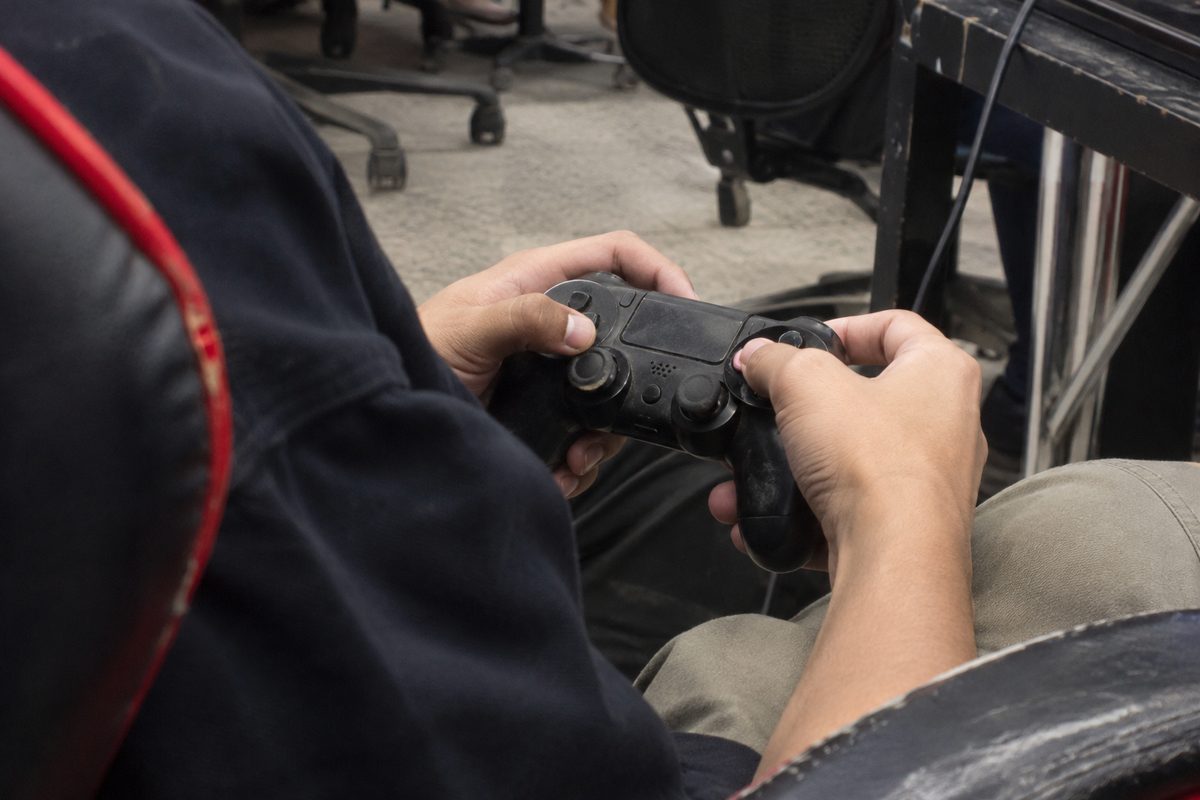
GTA 6's easy mode is two switches in the accessibility settings. One weakens the people shooting at the player, and the other toughens the car they're running away in.
Push Square tested both toggles for its report that the game hides an easy mode in its accessibility options, VGTimes reported on Thursday. With Accessible Combat on, enemies go down faster and their hits on the player sting less. Reduced Vehicle Damage makes the player's ride harder to wreck. On launch day for PS5 and Xbox Series X|S, Videogameschronicle.com also ran a guide on whether the game has difficulty options.
Rockstar warns that the toggles change the game's balance and experience. According to VGTimes, though, turning them on won't cost you Trophies. The switches are buried in menus, but easy to undo. Rockstar's settings guide, updated Wednesday, the day before launch, gives accessibility its own section in the Gameplay tab, next to combat and movement, Player.One reported. The Restore Default and Restore All options at the bottom of the Settings screen will undo a change.
Just don't expect god mode. Push Square found that even with both switches on, a firefight still means ducking behind something solid.
Source: vgtimes.com, retrieved November 19, 2026. Other sources: player.one.
Comments 0