 ™
™Alexa Can Now Skip Your Amazon Deliveries and Change Where They Go
Amazon says Alexa for Shopping, free in its U.S. app, now handles more than 100 everyday tasks, from registries to billing questions.
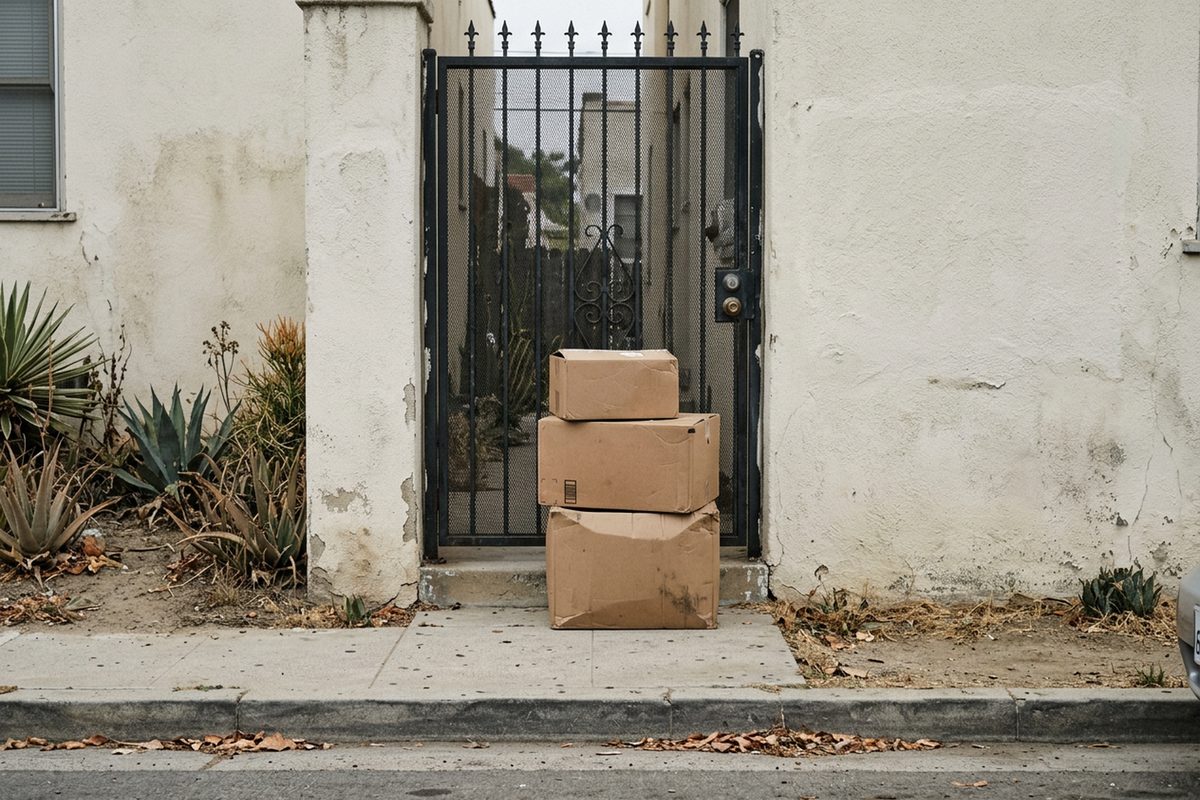
Skipping a Subscribe & Save shipment on Amazon now takes one sentence typed to Alexa, the company says. So does changing a package's drop-off details, or asking about a charge that doesn't look familiar.
Amazon added more than 100 shopping-related capabilities to Alexa ahead of the holiday season, TechCrunch reported Thursday. Most of them aren't about finding something new to buy. They're account chores: lists, recurring deliveries, delivery instructions, payment problems and Prime questions.
The tool doing the work is Alexa for Shopping, which Amazon built by combining its Rufus shopping assistant with Alexa+, according to Amazon's launch post. It's free for signed-in U.S. customers, and Amazon says it doesn't require Prime, an Echo or the Alexa app. The company updated its how-to guide Thursday to add the new actions.
Amazon also supplied the scale. More than 400 million people used Alexa to shop over the past 12 months, and the number of people using its agentic features has grown eightfold since January, the company said, according to TechCrunch.
Here's how to use the new actions, based on Amazon's own pages as updated Thursday:
- Find it. Get the latest version of the Amazon Shopping app; the Alexa button sits in the menu along the bottom of the screen. On a computer, it's up top, Amazon says.
- Fix a recurring delivery. Amazon's guide gives "Skip my next Subscribe & Save delivery" and "Change my delivery to every three months" as sample requests.
- Build a list or a registry. TechCrunch reported that Alexa can now start a list, register it, read back its contents and change or add entries. Amazon's examples run from a grocery list to a baby or wedding registry.
- Change delivery instructions. According to TechCrunch, that includes switching the address or adding drop-off details.
- Ask about money. Amazon's guide says the assistant can look up a gift card balance, track down a refund, sort out a billing question and keep tabs on memberships. Its sample openers include "I have an unrecognized charge on my account" and "When does my Audible subscription renew?"
- See what it knows. Amazon calls this the most personalized shopping assistant around, and its launch post explains what that means: what's said to Alexa on an Echo shapes shopping on Amazon, and Amazon browsing and purchases shape Alexa. Ask Alexa for Shopping what it knows about you, and Amazon says the details it holds, like family members, pets and dietary needs, can be viewed and updated.
- Test a suspicious message. In September, Amazon added a check for emails, texts and calls that claim to come from Amazon, Digital Commerce 360 reported. Tell the assistant who sent the message, when, and what it said, and it answers that it came from Amazon, didn't appear to, or couldn't be verified. Amazon said it gets roughly 360,000 of those questions a year.
The common mistake involves the feature that acts by itself. Set a price target and Alexa for Shopping will either alert the shopper or complete the purchase with the default payment method once the price is hit, Amazon says. Its Buy for Me feature uses the primary address and card.
When Alexa+ got price-triggered ordering in December 2025, Engadget suggested turning it off before leaving town. So check the default card and address before setting a target. The assistant that now skips a shipment when asked can also place an order on its own.
Source: TechCrunch, retrieved October 29, 2026. Other sources: aboutamazon.com, aboutamazon.com (2), digitalcommerce360.com, engadget.com.
Comments 0